A little robot with a lot to learn
MADE TO MOVE.
READY TO LEARN.
Meet MicroDuck: a tiny robot built to explore, play and learn new moves, with open-source software for learning and building.
This is an independent community project. It is not affiliated with or endorsed by Pollen Robotics, Hugging Face or NVIDIA.
01 / A ROBOT BUILT TO MOVEOFFICIAL PRESS KIT FOOTAGE · POLLEN ROBOTICS
ONE ROBOT · FOUR COLOURWAYS
Choose your colour.
Graphite
Same robot · same brainsCream
Same robot · same brainsLavender
Same robot · same brainsFour-colourway product image and roller-skating clip: official MicroDuck press kit.
01 — MEET MICRODUCK
A real robot.
Ready for anything.
MicroDuck is a compact biped robot from Pollen Robotics. It can walk, sit, stand, grab light objects with its beak, recover from a fall and try out new skills learned in simulation.
It is made for hands-on robotics: a small, approachable platform for exploring movement, machine learning and playful interaction, supported by open-source software.
Explore the official product site ↗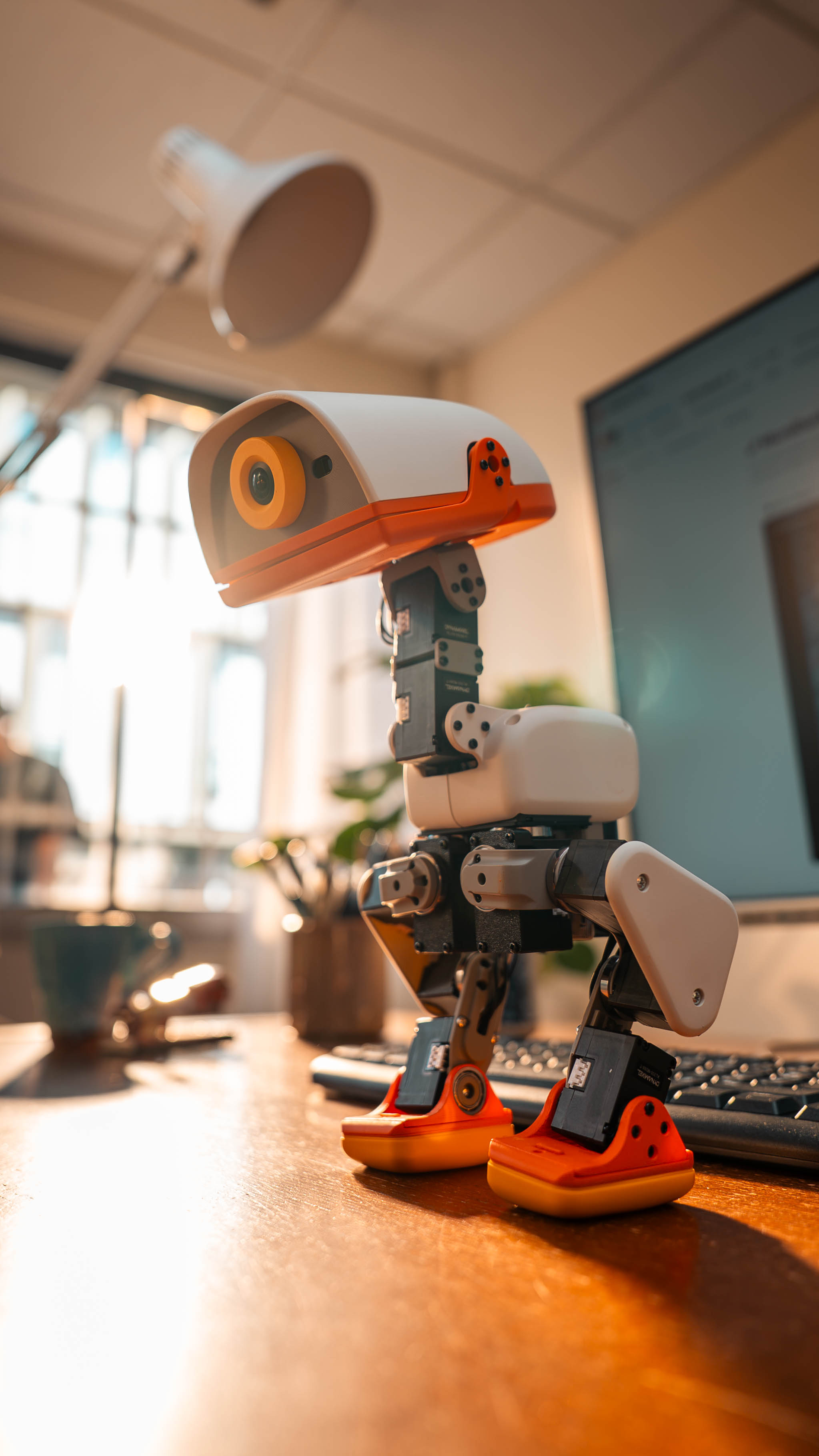
02 — SEE WHAT IT CAN DO
Move. Play.
Try again.
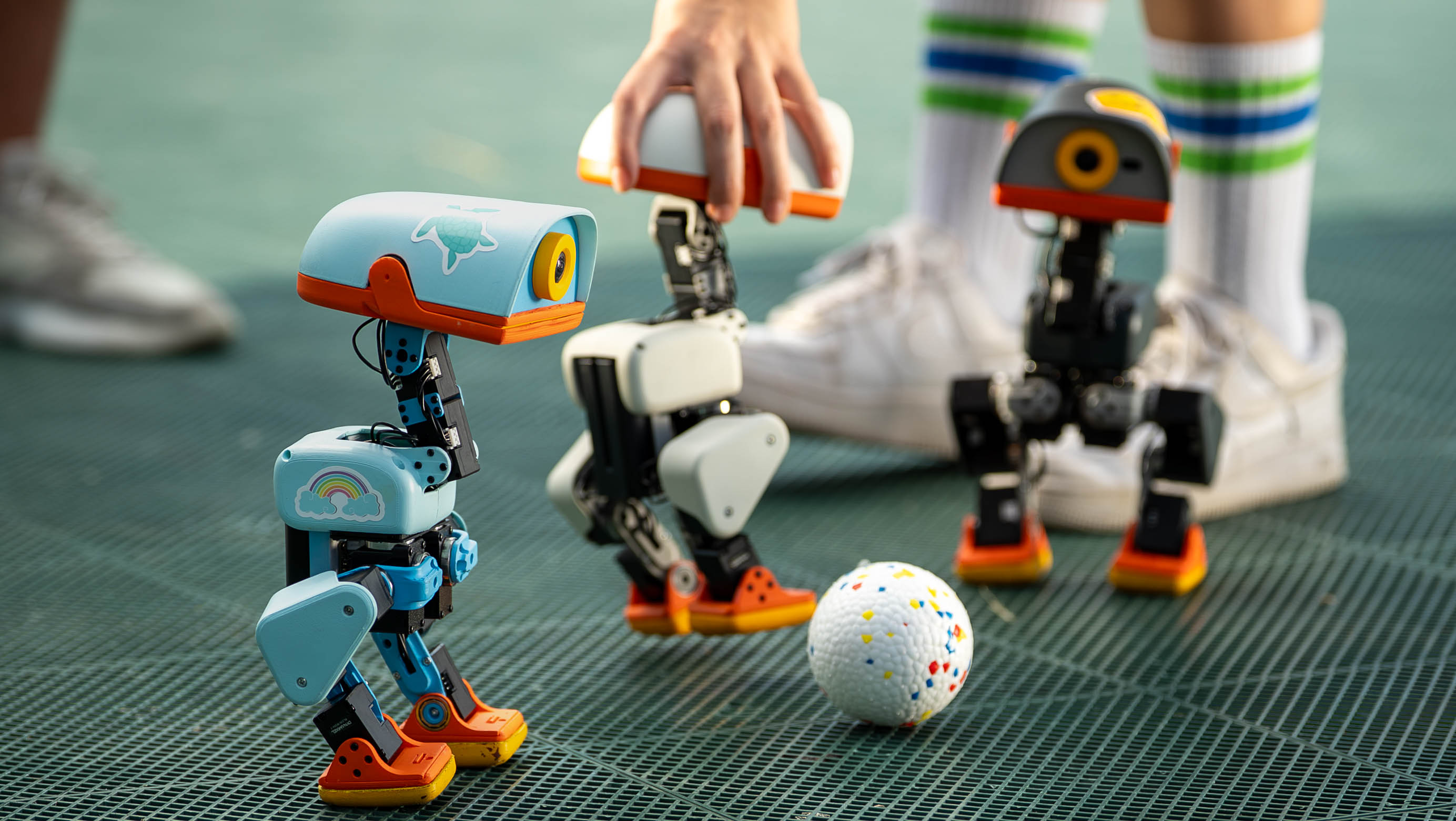
MicroDuck’s body is a playground. These are real behaviors from the robot’s builders, including skills learned and refined with robot-learning tools.
01 / BALANCE
Find its feet
After a push or a stumble, MicroDuck works to recover its balance and stand again.
02 / GRASP
Beak, meet object
A grasping beak lets the robot pick up and carry small objects as part of a learned behavior.
03 / PLAY
Make room for play
From rolling and skating to ball games, robot skills become a starting point for new experiments.
Photos and robot behavior clips: Pollen Robotics press kit. Roller skating uses optional roller accessories.
03 — THE LEARNING LOOP
Teach it new tricks.
Then bring them to life.
MicroDuck connects simulation, reinforcement learning and a real robot. Developers can train and test behaviors, deploy them, and keep refining what the robot can do.
Train in simulation
Build a behavior in a simulated environment, where many attempts can be run safely and quickly.
Deploy to MicroDuck
Send the learned policy to the robot and see how it handles the physical world.
Refine the skill
Observe what works, adjust the training and try again. Learning is an iterative process.
Share what you make
Document a new move, a setup tip or a useful lesson so another builder can learn from it.
SIMULATION → ROBOT → FEEDBACK → NEW SKILLSBrowse the open-source software ↗
04 — A MOMENT IN BERLIN
From simulation
to the spotlight.
At Jensen Huang’s GTC Berlin keynote, MicroDucks demonstrated how robot behaviors can move from Isaac Sim training into the real world.
This video documents a product demonstration. Its appearance here does not imply endorsement of this independent community or its token by Jensen Huang, NVIDIA, Hugging Face or Pollen Robotics.
05 — THE HARDWARE
Tiny frame.
Serious sensors.
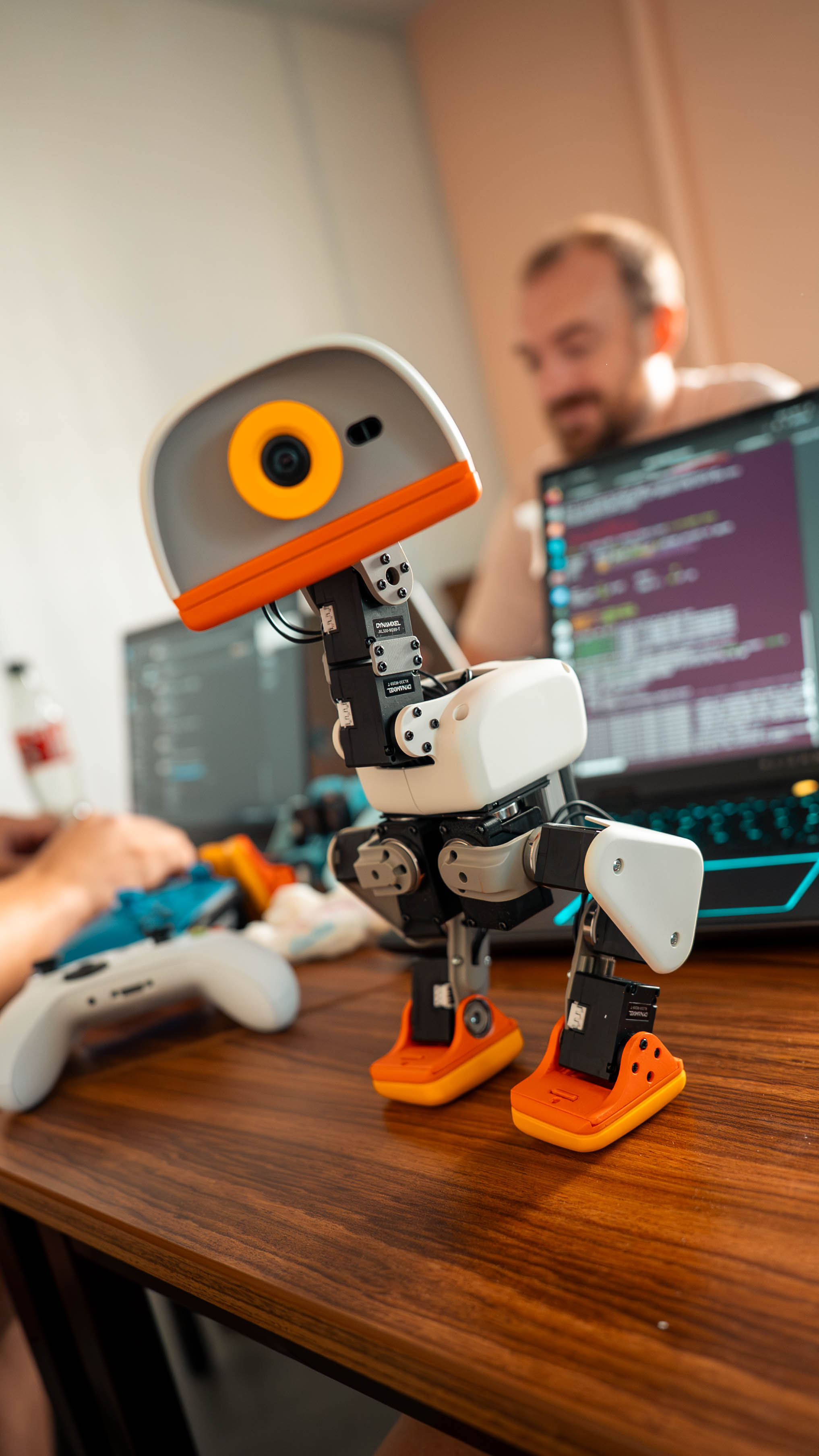
Published specifications describe a capable little platform for embodied AI research, prototyping and play.
- Height / width
- 25 cm / 14 cm
- Weight
- Under 800 g
- Articulation
- 15 degrees of freedom
- Compute
- Rockchip RK3566 + AI accelerator
- Memory
- 1 GB RAM · 32 GB storage
- Sensing
- Front camera · 2 IMUs · compact 8 × 8 ToF LiDAR
- Audio
- Microphones + speaker
- Battery
- Removable NP-F550 · 2600 mAh · about 1 hour*
- In the box
- Game controller included
- Software
- Open-source SDK, simulation and learning tools
*Battery life depends on use. Specifications are based on the official press kit and may change. Open source refers to software; mechanical and electronic hardware designs are not stated to be open source.
06 — START PLAYING
Controller in hand.
Curiosity switched on.
The included game controller makes trying built-in behaviors approachable. Start with simple movement and posture changes, then explore the open-source SDK and official guides to understand how skills are built and loaded.
Open the controller guide ↗01
Pair the controller once with the robot.
02
Try standing, sitting and movement at a slow pace in a clear space.
03
Explore head, body and movement modes; use the beak behavior to pick up a light object.
04
For custom skills, follow the official SDK and simulation documentation.
07 — THE COMMUNITY LOGBOOK
Learn something?
Pass it on.
A place for future MicroDuck owners and makers to share real setups, how-to guides, experiments and field notes. We’re leaving room here for community stories as the project grows.
My first day with MicroDuck
What you tried · what surprised you · what you’d tell the next new owner.
COMMUNITY STORIES OPENING SOONA skill worth sharing
Controller setup, simulation notes, a new behavior or a fix that saved time.
CONTRIBUTIONS COMING LATER08 — THE SOLANA COMMUNITY
MicroDuck
on Solana.
This site brings together information about the real robot and an independent community token inspired by it. The token project is not affiliated with Pollen Robotics or the robot’s creators.
LAUNCH STATUSCA published
- Network
- Solana
- Launch venue
- Pump.fun
- Contract address
- Buc4pv7dyazHg4cVN7ni75nPvXZMipYBLH3YtvXjpump
MicroDuck SOL is an independent community token. It has no official connection with Pollen Robotics, Hugging Face, NVIDIA or Jensen Huang. Crypto assets are volatile; this page is informational and does not promise returns or provide financial advice. Product names and marks belong to their respective owners.